




How to Fix Blurry Faces and Awkward Motion in AI Kissing Videos
5/26/2026
5 min read
How to Fix Blurry Faces and Awkward Motion in AI Kissing Videos
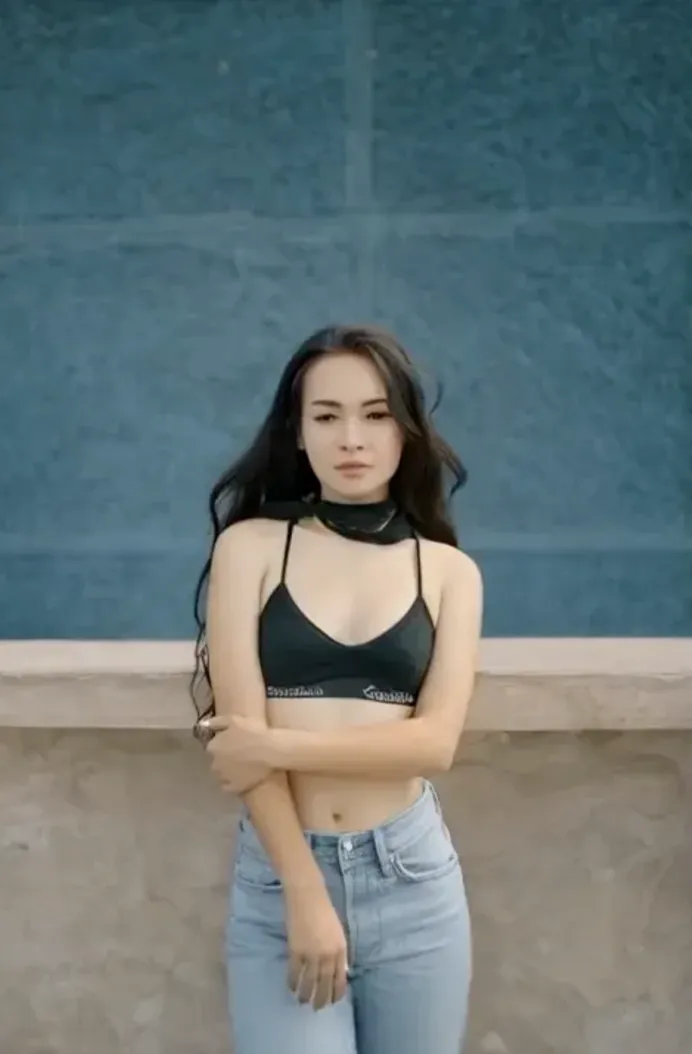
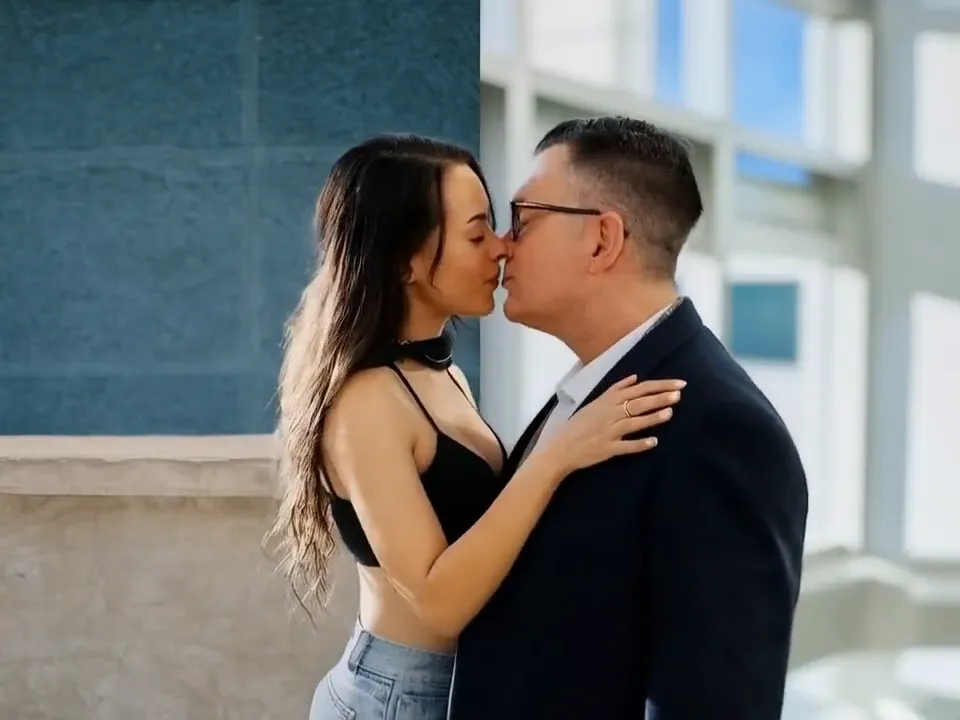
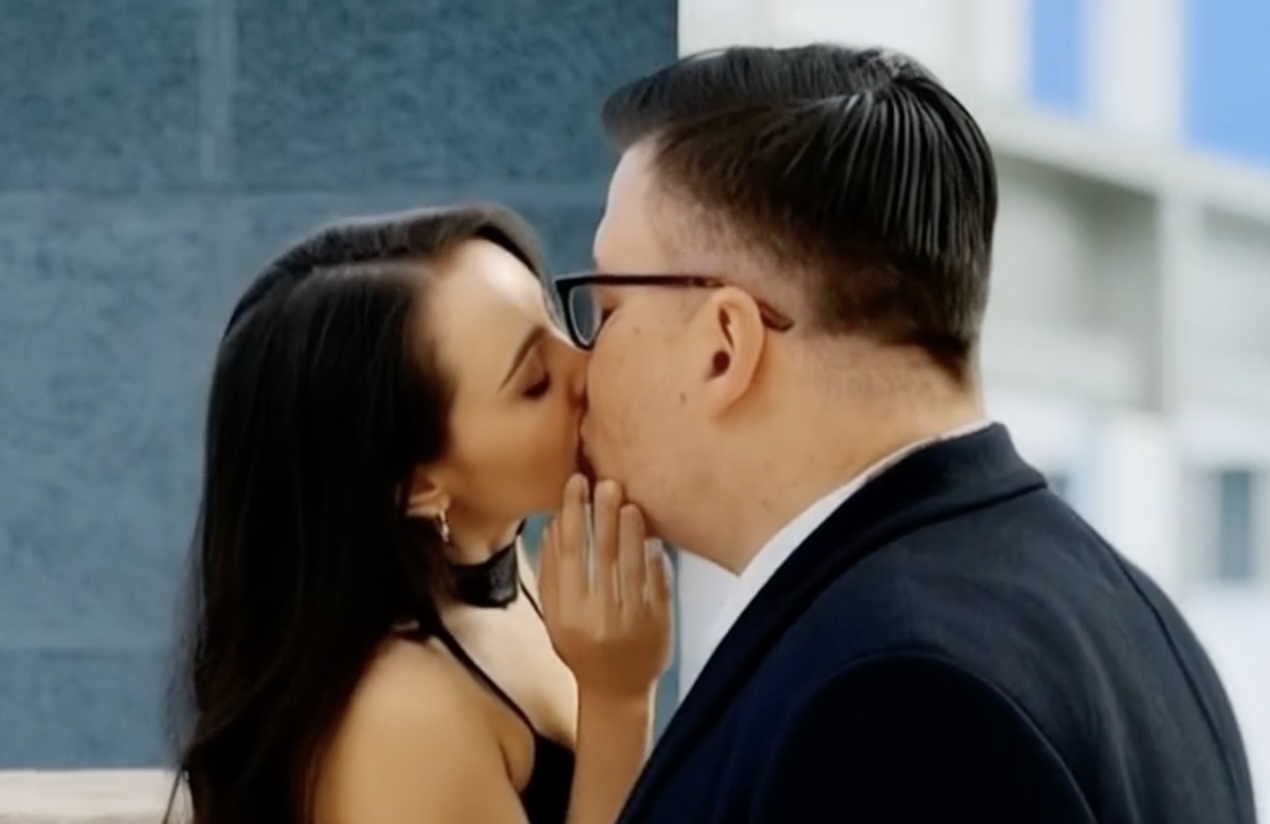
Blurred faces and strange motion usually come from weak source photos or asking the model to solve too many problems at once.
Quick Workflow
- Replace compressed screenshots with full-resolution portraits whenever possible.
- Use inputs where both faces are unobstructed and turned toward a similar camera angle.
- Shorten the clip and remove extra scene changes until the face merge looks stable.
Settings That Usually Improve Results
- Regenerate after adjusting only one variable at a time.
- Match contrast and color temperature across both photos before upload.
- If the mouth area breaks, use a calmer expression in the source image.
Common Mistakes to Avoid
- Do not diagnose three issues in one pass.
- Do not keep reusing a source photo with heavy motion blur.
- Do not expect perfect output when one face is hidden by hair, glasses glare, or shadows.
FAQ
What causes the blur most often?
Low-detail faces, mismatched angles, and too much requested motion are the most common causes.
When should I switch photos?
Switch immediately when one image has weak detail around the eyes, mouth, or jawline.
Try AI Kissing Video Generator
Most quality issues disappear after better source selection and simpler motion. Treat troubleshooting as an input problem first, not a magic setting problem.
Try the tool here: https://aikissingvideogenerator.online