




How to Make an AI Kissing Video from Two Photos
5/26/2026
5 min read
How to Make an AI Kissing Video from Two Photos
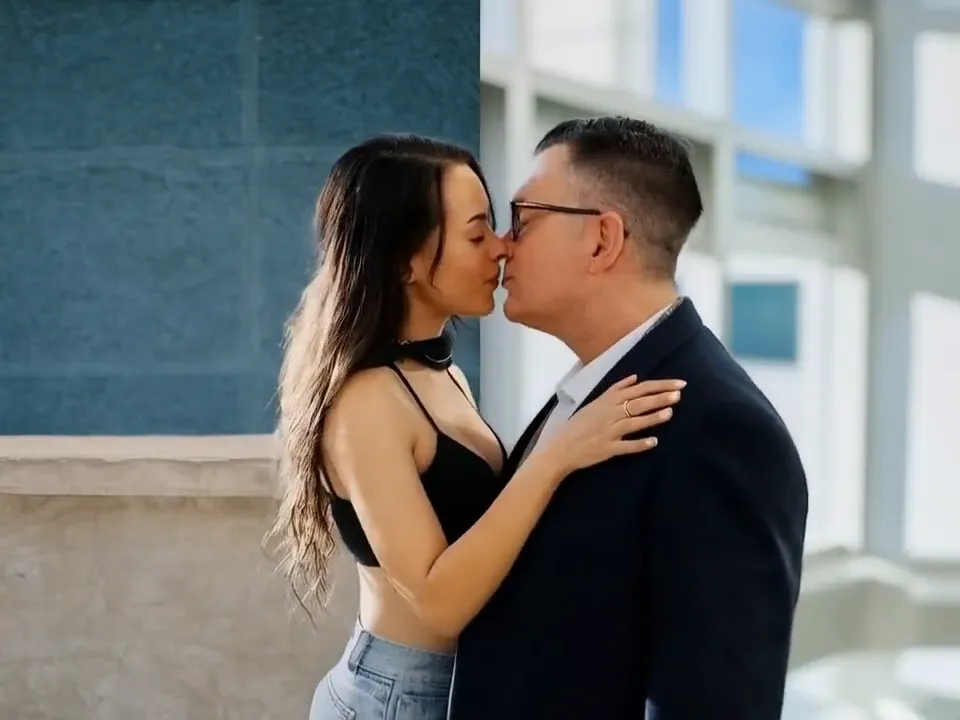
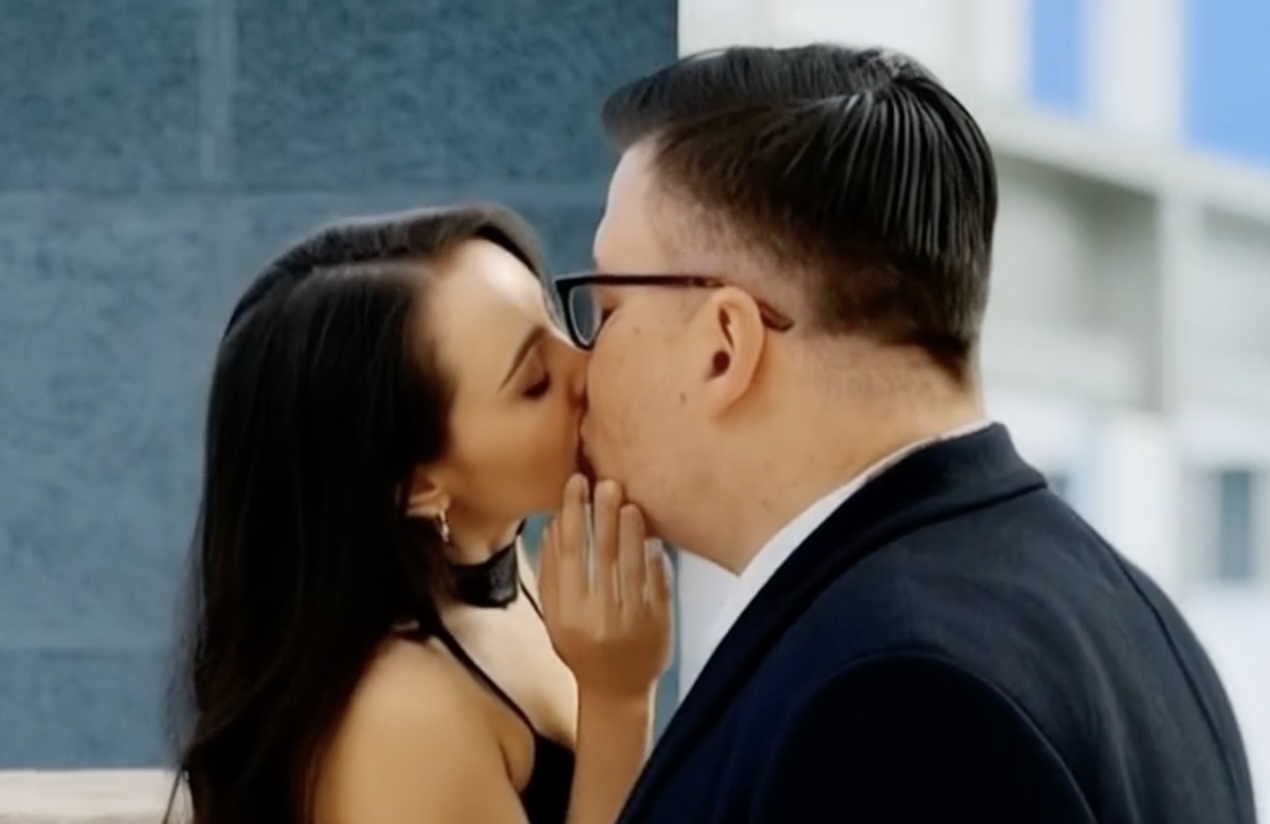
This guide explains the fastest way to turn two clear portraits into a believable romantic clip with AI Kissing Video Generator.
Quick Workflow
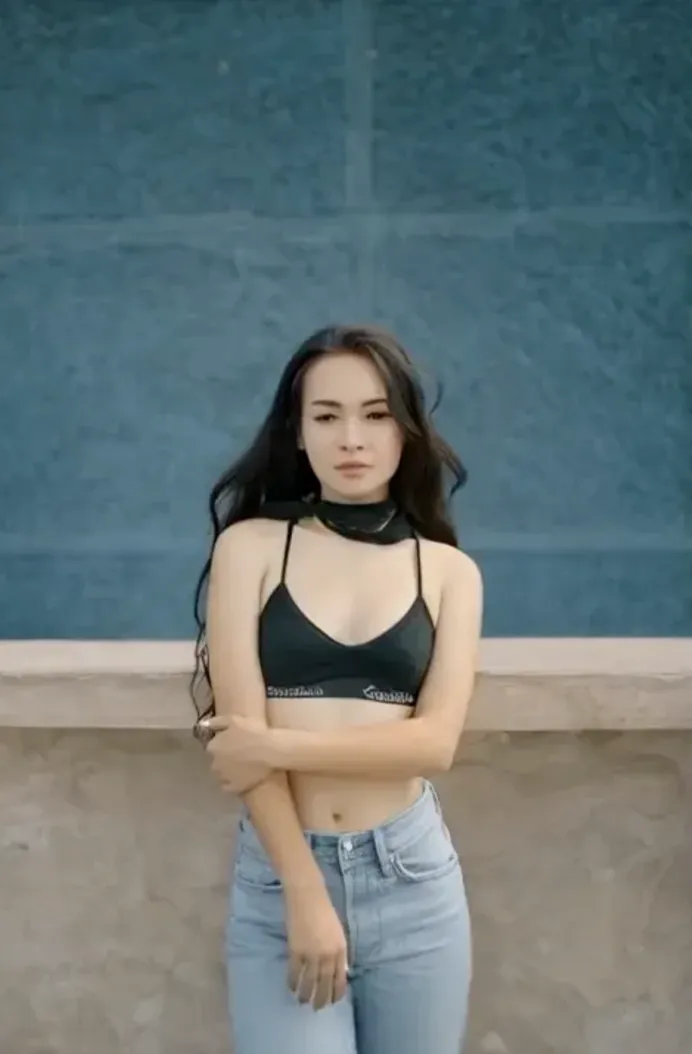
- Choose two front-facing photos with similar lighting and a clean background.
- Crop both faces at a similar distance so the model can match pose and scale more accurately.
- Upload the images, keep the motion simple, and start with a short clip before trying more dramatic scenes.
Settings That Usually Improve Results
- Use sharp source photos instead of filtered screenshots.
- Keep jewelry, hats, and hands minimal in the first attempt.
- If one image is much darker, brighten it before uploading.
Common Mistakes to Avoid
- Do not mix profile and front-facing portraits in the same attempt.
- Do not start with crowded group photos.
- Do not ask for large head turns, fast motion, or long duration on the first run.
FAQ
What photos work best?
Clear portraits with visible eyes, neutral expressions, and similar framing usually produce the smoothest result.
How long should the first test be?
A short first render helps you validate alignment before spending time on more polished versions.
Try AI Kissing Video Generator
Start simple, lock the face alignment, and then iterate. AI Kissing Video Generator works best when the first version focuses on realism instead of dramatic motion.
Try the tool here: https://aikissingvideogenerator.online