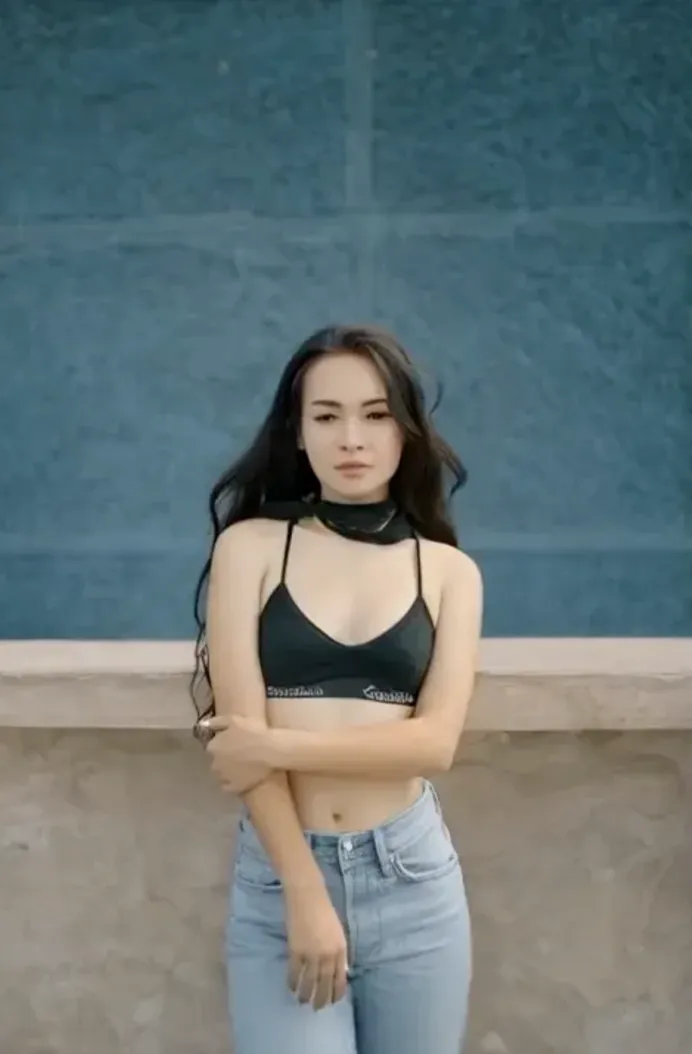

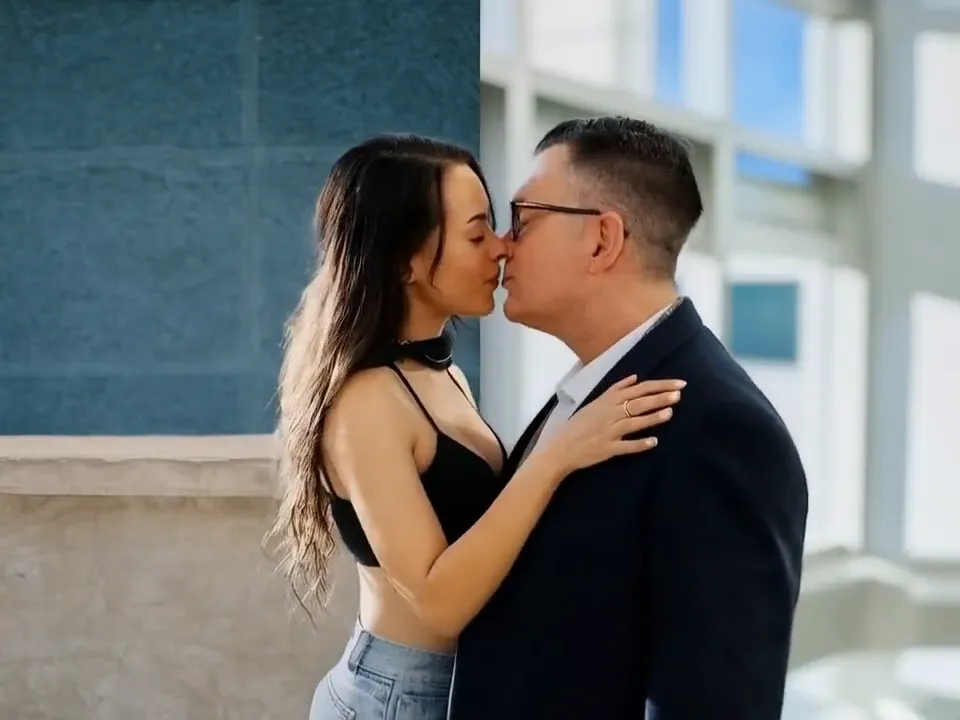
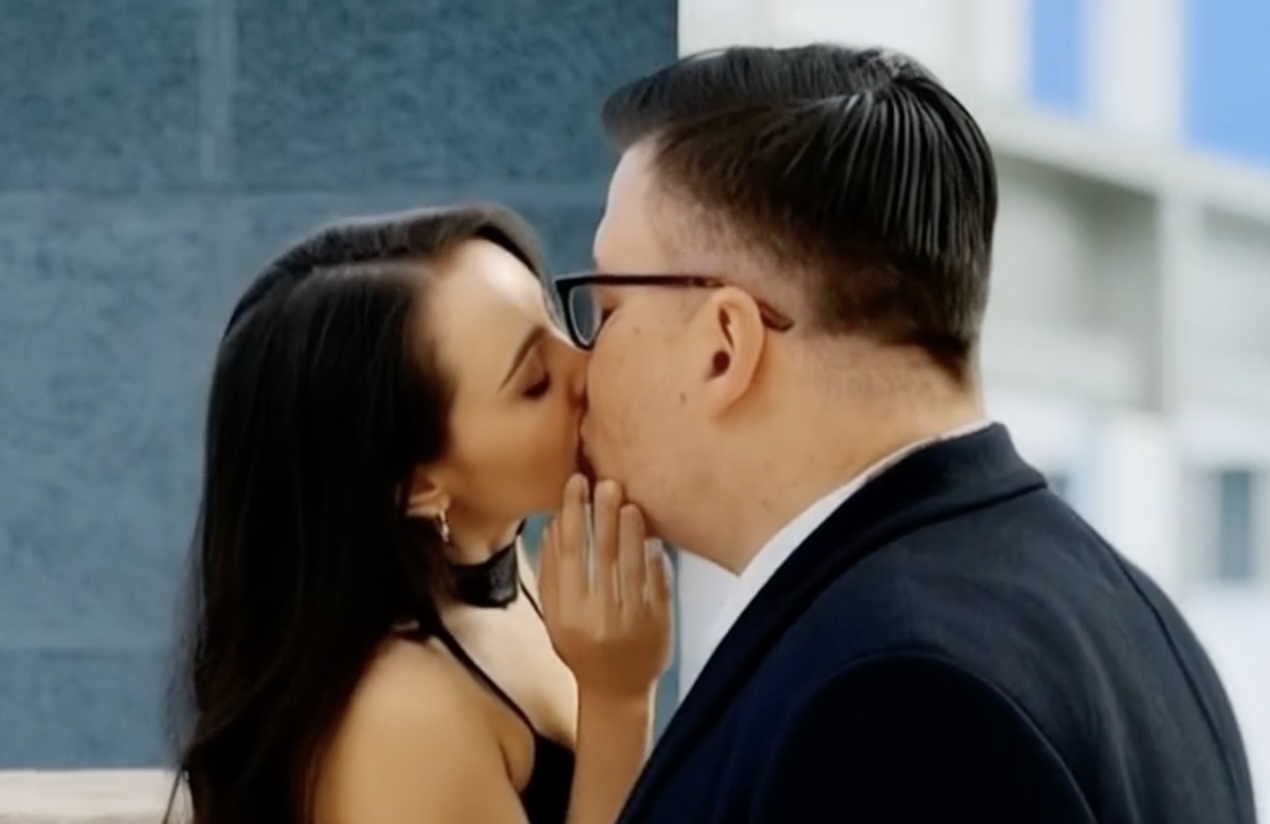




Anniversary AI Kissing Video Ideas for a Shareable Romantic Clip
As of May 2026, the cleanest AI kissing workflow still takes 3 decisions: photo choice, scene direction, and export goal. The most shareable romantic clip is usually simple, short, and built around a photo that already feels personal. This guide shows what to prepare, what to avoid, and which settings help the result look romantic instead of awkward.
That keeps the result warm instead of gimmicky, especially when you add one clear message and one gentle visual direction. The product works best with 2 portrait photos, clear faces, and files such as JPG, PNG, or WebP under 10 MB.

Why This Angle Works
This article focuses on romantic use cases for anniversaries and private sharing. The same pattern fits an anniversary message, a birthday surprise in chat, and a private keepsake saved to the camera roll.
If you want to test the workflow while reading, open AI Kissing Video Generator, compare the public examples on the blog index, keep the signup flow ready, and bookmark sign in for later retries.
3-Step Workflow
- Choose the input: Use two portraits with similar head height, similar light, and a simple background.
- Set the direction: Ask for one romantic action only. A calm lean-in is easier to render than a dramatic cinematic move.
- Export for sharing: Export the first clean version before experimenting with extra mood, text, or a different crop.
Quick Checklist
| Checkpoint | Weak version | Better version |
|---|---|---|
| Message style | long paragraph over the video | one short line after export |
| Photo mood | random travel picture | portrait with eye contact or a smile |
| Share format | large untrimmed file | short clip sized for chat or stories |
Mistakes That Cause Weak Results
- using a joke photo for an emotional message
- adding too much text on top of the video
- choosing a clip length that feels slow on mobile
FAQ
Can I use selfies?
Yes. Two clear portrait selfies usually work well when both faces are visible and the lighting is even.
What files work best?
Use JPG, PNG, or WebP under 10 MB so the upload stays fast and the face details remain usable.
Where should I start?
Start on the generator page, upload two portraits, then use one clear romantic direction before exporting.
What To Do Next
If you want a faster first result, open the generator, upload two portraits, and keep the scene simple before you add style changes. Return to the generator, keep a second reference open from the blog, use signup only when you want to save or retry more seriously, and send yourself through onboarding if you need a cleaner first session.
A believable AI kissing video usually comes from restraint, not extra effects.