




How to Make an AI Kissing Video From Two Photos
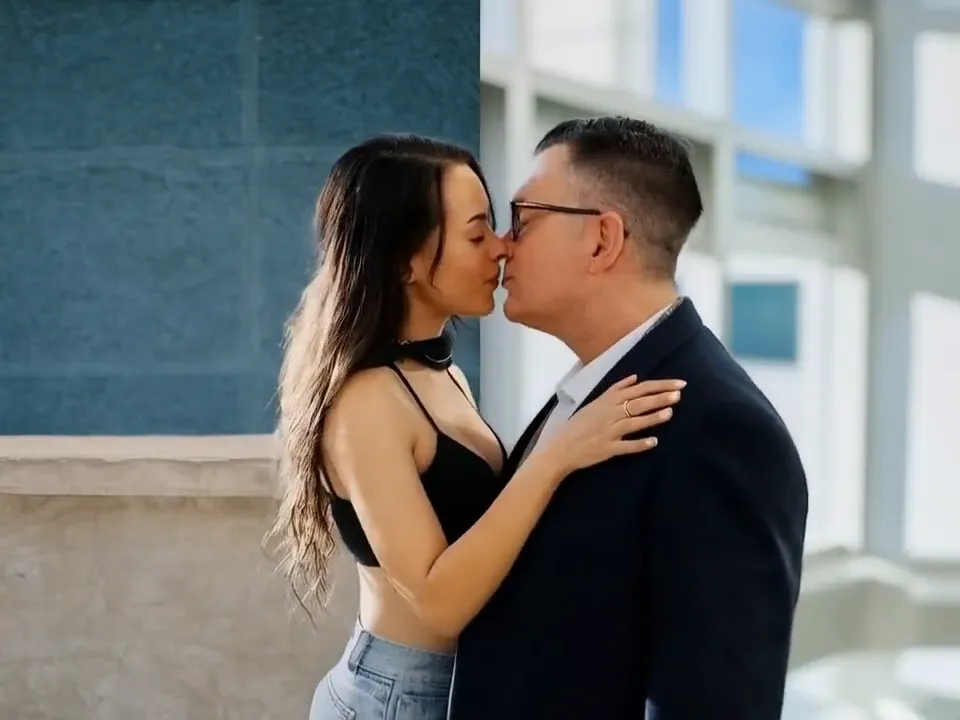
As of May 2026, the cleanest AI kissing workflow still takes 3 decisions: photo choice, scene direction, and export goal. Most first attempts fail because the two photos do not agree on angle, lighting, or distance. This guide shows what to prepare, what to avoid, and which settings help the result look romantic instead of awkward.
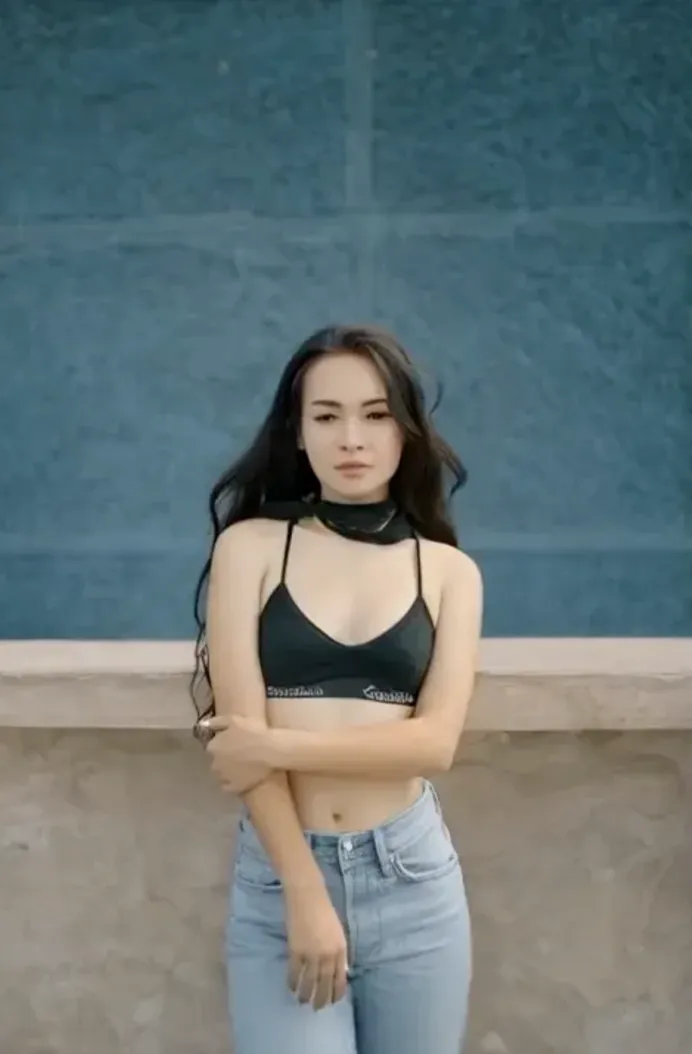
Once those three variables match, the tool does far less guessing and the motion becomes more natural. The product works best with 2 portrait photos, clear faces, and files such as JPG, PNG, or WebP under 10 MB.

Why This Angle Works
This article focuses on a first-time two-photo workflow. The same pattern fits a private couple keepsake, a quick social clip, and a romantic birthday surprise.
If you want to test the workflow while reading, open AI Kissing Video Generator, compare the public examples on the blog index, keep the signup flow ready, and bookmark sign in for later retries.
3-Step Workflow
- Choose the input: Use two portraits with similar head height, similar light, and a simple background.
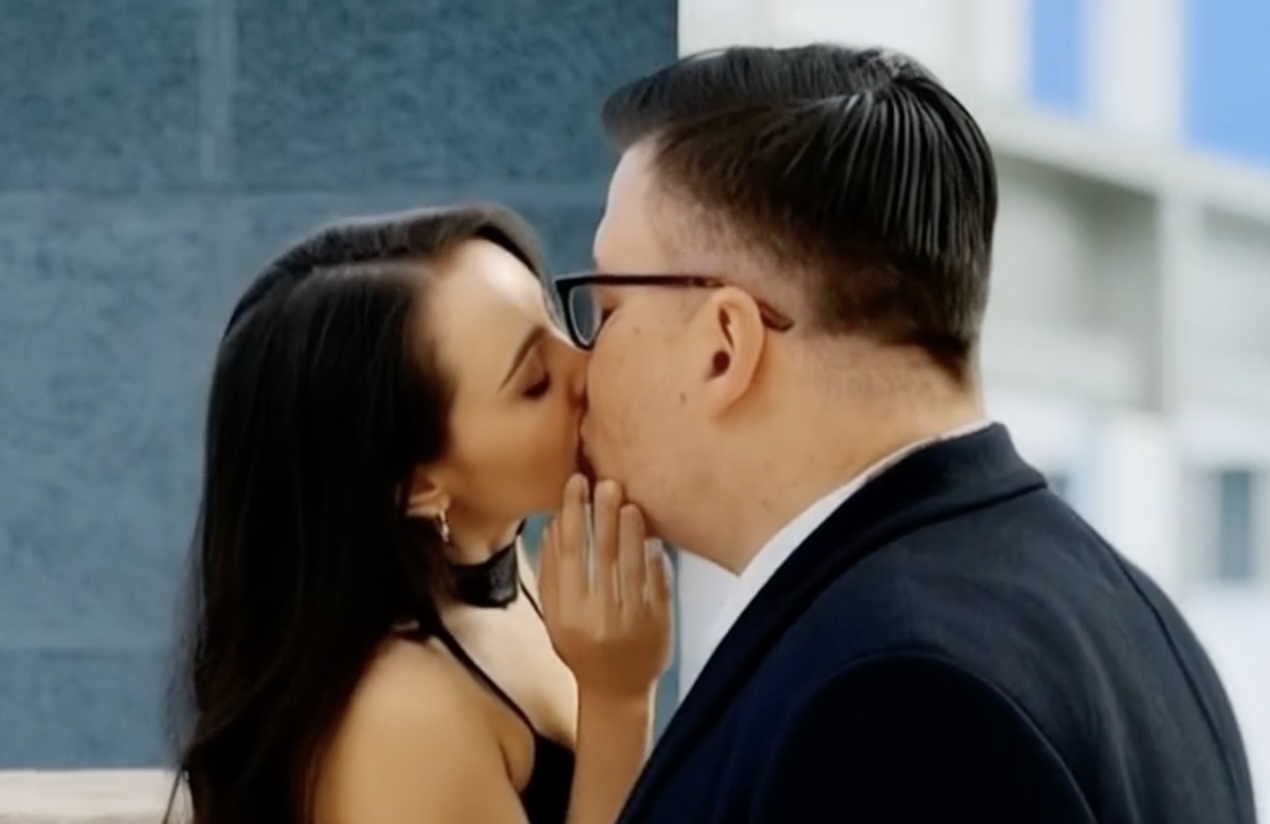
- Set the direction: Ask for one romantic action only. A calm lean-in is easier to render than a dramatic cinematic move.
- Export for sharing: Export the first clean version before experimenting with extra mood, text, or a different crop.
Quick Checklist
| Checkpoint | Weak version | Better version |
|---|---|---|
| Face angle | one face front, one face side | both faces turned slightly inward |
| Lighting | harsh shadows | soft light on both faces |
| Crop | head cut off or too far away | chest-up portrait with clear eyes |
Mistakes That Cause Weak Results
- mixing a selfie with a distant full-body shot
- using busy backgrounds that hide the jawline
- over-editing skin before upload
FAQ
Can I use selfies?
Yes. Two clear portrait selfies usually work well when both faces are visible and the lighting is even.
What files work best?
Use JPG, PNG, or WebP under 10 MB so the upload stays fast and the face details remain usable.
Where should I start?
Start on the generator page, upload two portraits, then use one clear romantic direction before exporting.
What To Do Next
If you want a faster first result, open the generator, upload two portraits, and keep the scene simple before you add style changes. Return to the generator, keep a second reference open from the blog, use signup only when you want to save or retry more seriously, and send yourself through onboarding if you need a cleaner first session.
A believable AI kissing video usually comes from restraint, not extra effects.